AI assistant
Use the CRM copilot, monitor automation runs, configure rules, and connect external data through integrations.
The AI area combines a chat-style copilot with durable automation: queued runs, rules, and integrations that feed the same processing pipeline.
Before you start
- Use CRM and related modules normally first so prompts and automations have real context.
- Agree internally which actions require human approval before automations run.
- Treat rules and webhooks as production controls—mistakes can create many automated tasks at once.
Chatbot (CRM copilot)
Path: AI → Chatbot / CRM Copilot (/ai/chatbot)
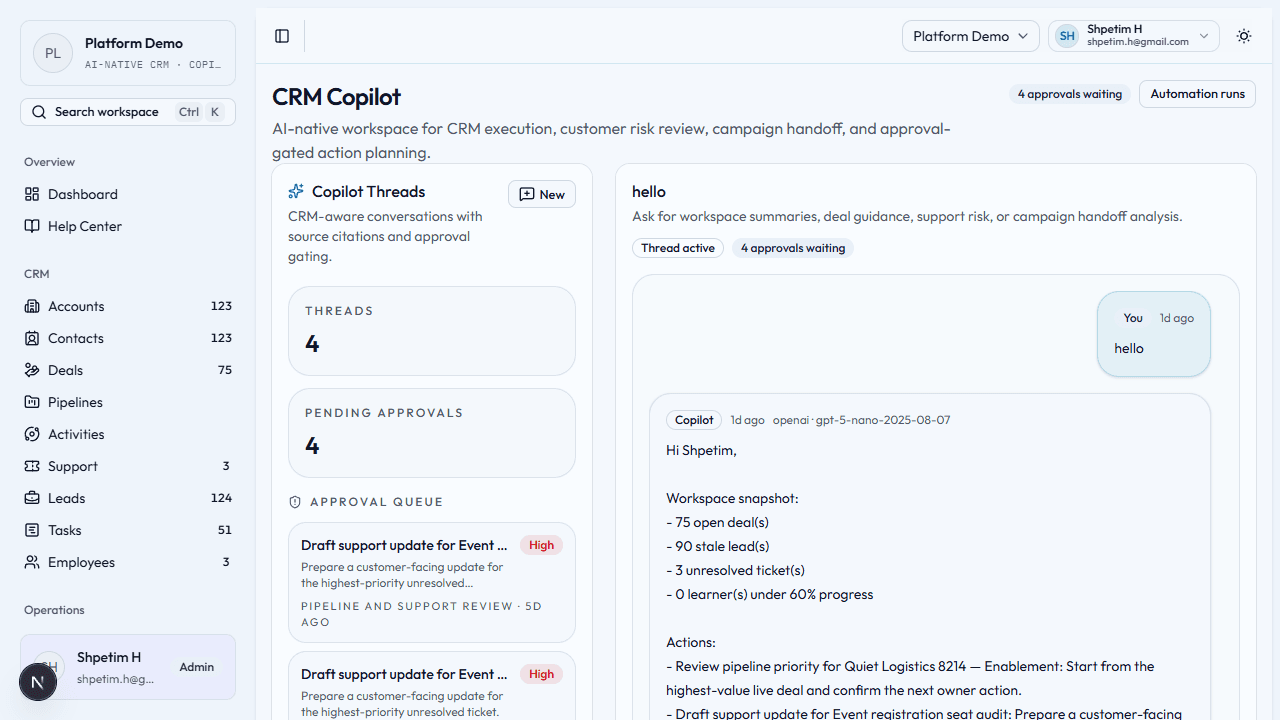
- Open the copilot workspace.
- Start a thread or prompt; review answers against live workspace data when making decisions. Replies now carry deterministic CRM context even when the external provider is disabled.
- Check the provider label and citations on assistant replies when you need to confirm whether a response came from the external provider path or the deterministic fallback.
- Review the per-action audit timeline before approving or rejecting Copilot suggestions so you can see who created, approved, rejected, queued, or executed the action.
- When work becomes a tracked automation, follow up in Automation Runs.
Capabilities depend on organization settings and whether an external model is configured—your admin can explain what is enabled.
Workspace narrative
Path: Signed-in home dashboard (/)
The dashboard now includes a workspace narrative snapshot card.
- Review the snapshot when you want a daily summary of new leads, overdue work, urgent tickets, renewal pressure, and the riskiest open deal.
- Use Generate narrative snapshot to refresh the summary on demand.
- Open the linked records directly from the snapshot sources when you want to investigate the supporting CRM context.
Automation runs (ledger)
Path: AI → Automation Runs (/ai/automation-runs)
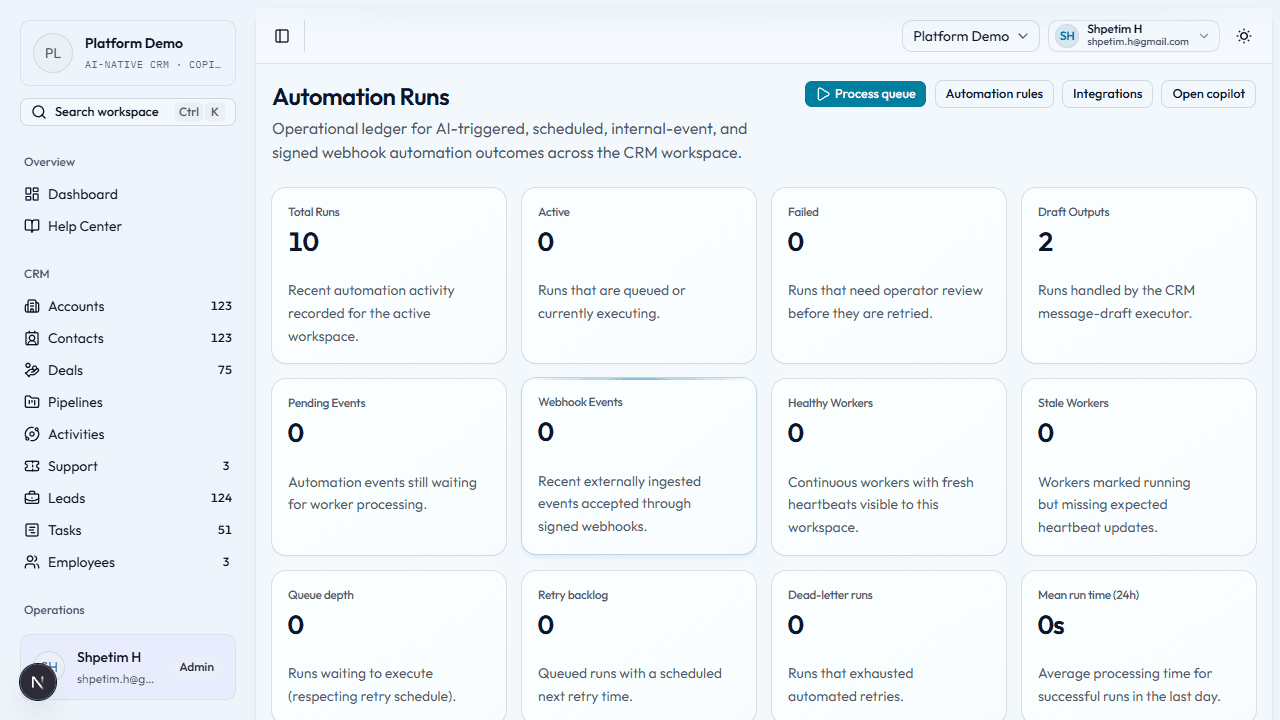
This is the operator view of automation health.
- Read summary metrics: run volume, failures, pending events, worker health, queue depth, success rate.
- Review audit entries for who changed rules, imports, or retries.
- Inspect worker runtime and recent events to confirm processing is healthy.
- For problem items, use retry or investigation actions your UI exposes.
Automation rules
Path: AI → Automation Rules (/ai/automation-rules)
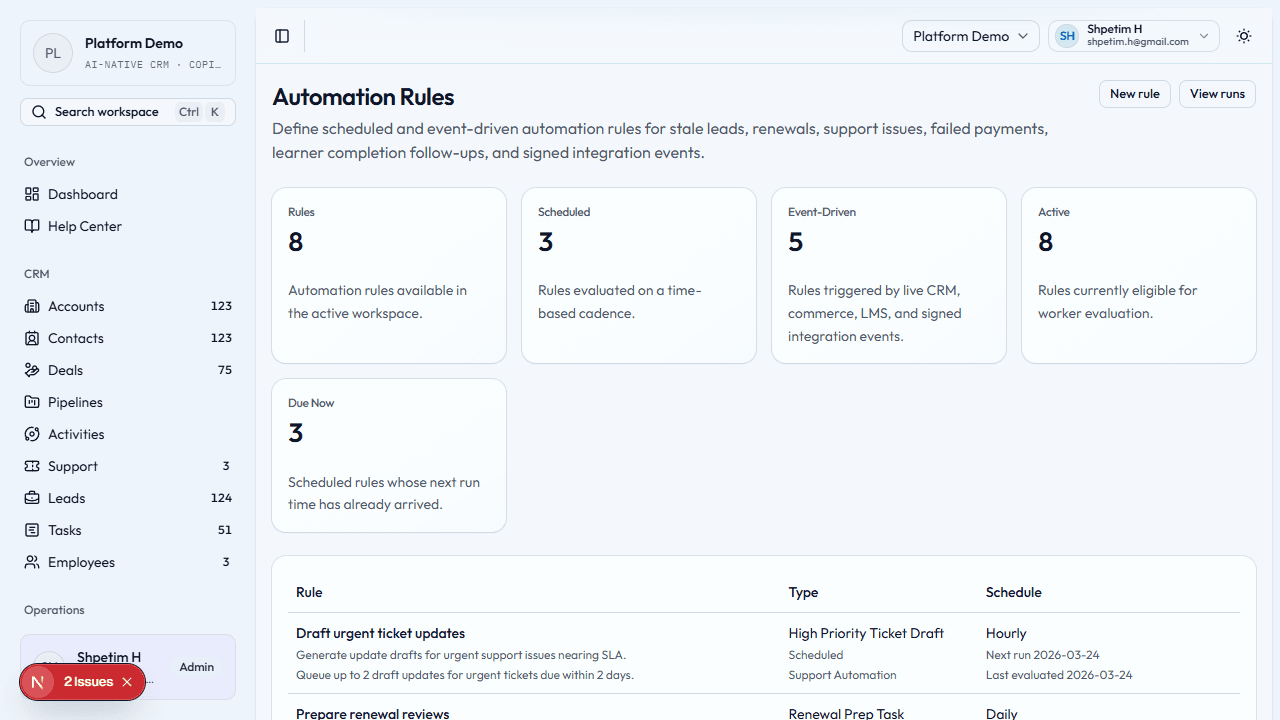
- Review the rules table for active policies (examples: stale leads, renewals, support, payments, learning events, webhooks).
- Create a rule — choose scheduled or event-driven, set conditions, and frequency where applicable.
- The worker evaluates rules and creates idempotent runs (duplicate safety depends on rule design).
- Validate behavior in Automation Runs after changes.
Integrations
Path: AI → Integrations (/ai/integrations)
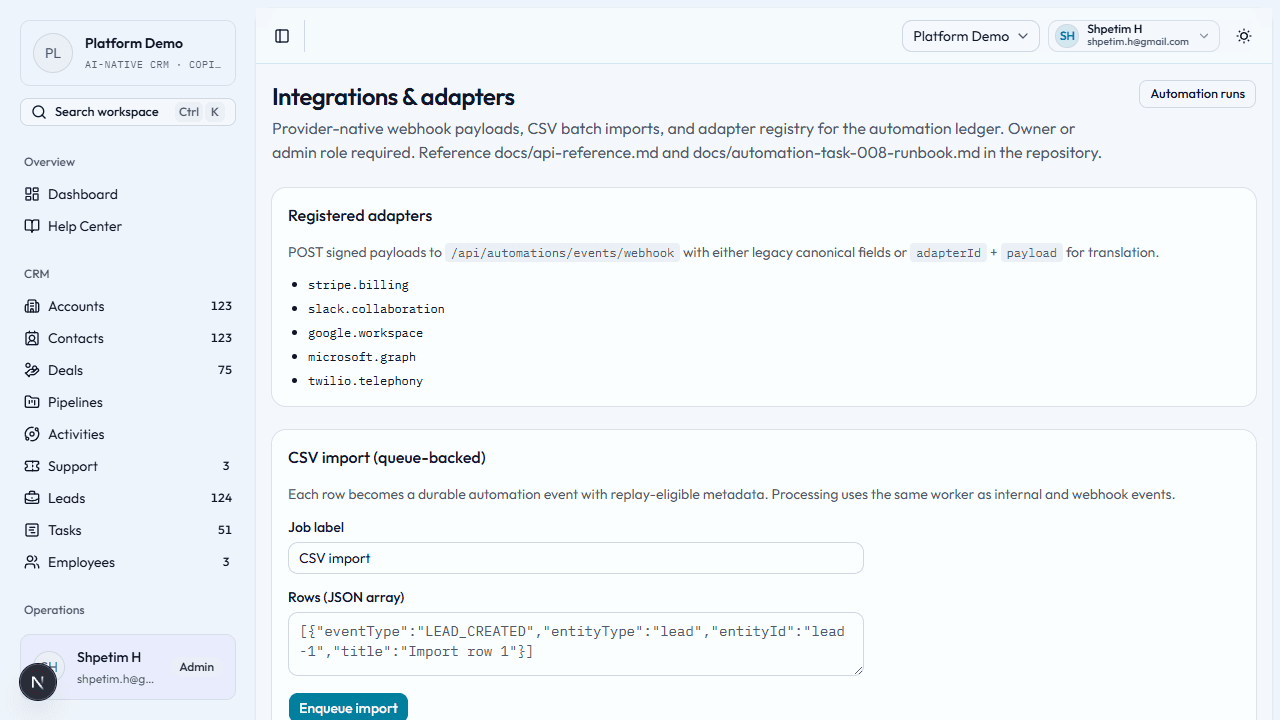
Typically for owners or administrators.
- See adapter identifiers and how external payloads map into the platform.
- Use signed webhooks or approved CSV import flows so data enters the same automation pipeline as internal events.
- Watch recent jobs for failures, stale items, or backlog.
Do not share webhook secrets or signing keys in chat or email.
Related
Time tracking and delivery ops
Log work accurately, review exceptions quickly, and keep operational effort connected to people and customers.
Public sales and support chatbot
Run the public-facing AI assistant on CMS pages, capture leads and support requests safely, and review every conversation in the backoffice.