Administration
Admin settings
What platform administrators configure—workspaces, plans, and which modules each organization can use.
Most day-to-day users never open these screens. They are for platform or workspace administrators who provision tenants and control subscriptions and module access.
If you are not an admin, skip this page and ask your IT or operations owner.
Workspace administration
Path: Admin → Workspace Administration (/admin/workspaces)
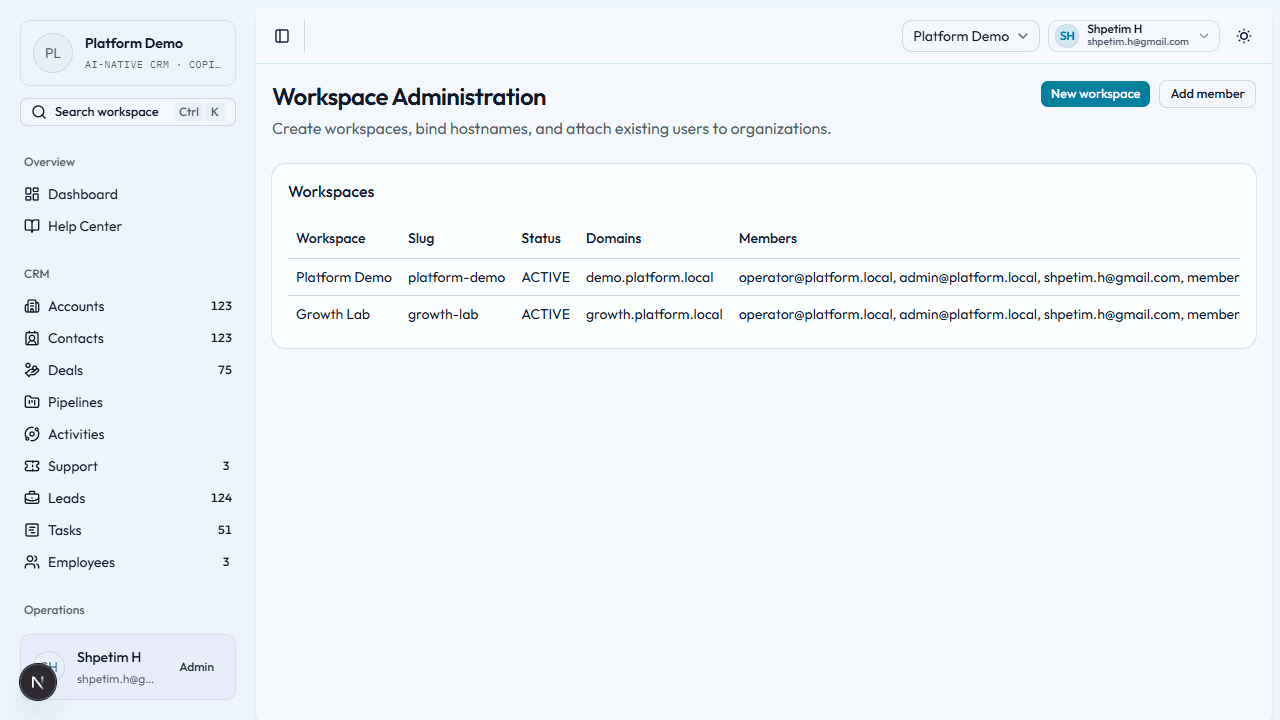
Used to create workspaces, bind hostnames, and attach users to organizations.
- New workspace — name, slug, hostname, status, and base plan (fields depend on your form).
- Review the workspace table for existing tenants and configuration.
Workspace access
Path: Admin → Workspace Access (/admin/access)
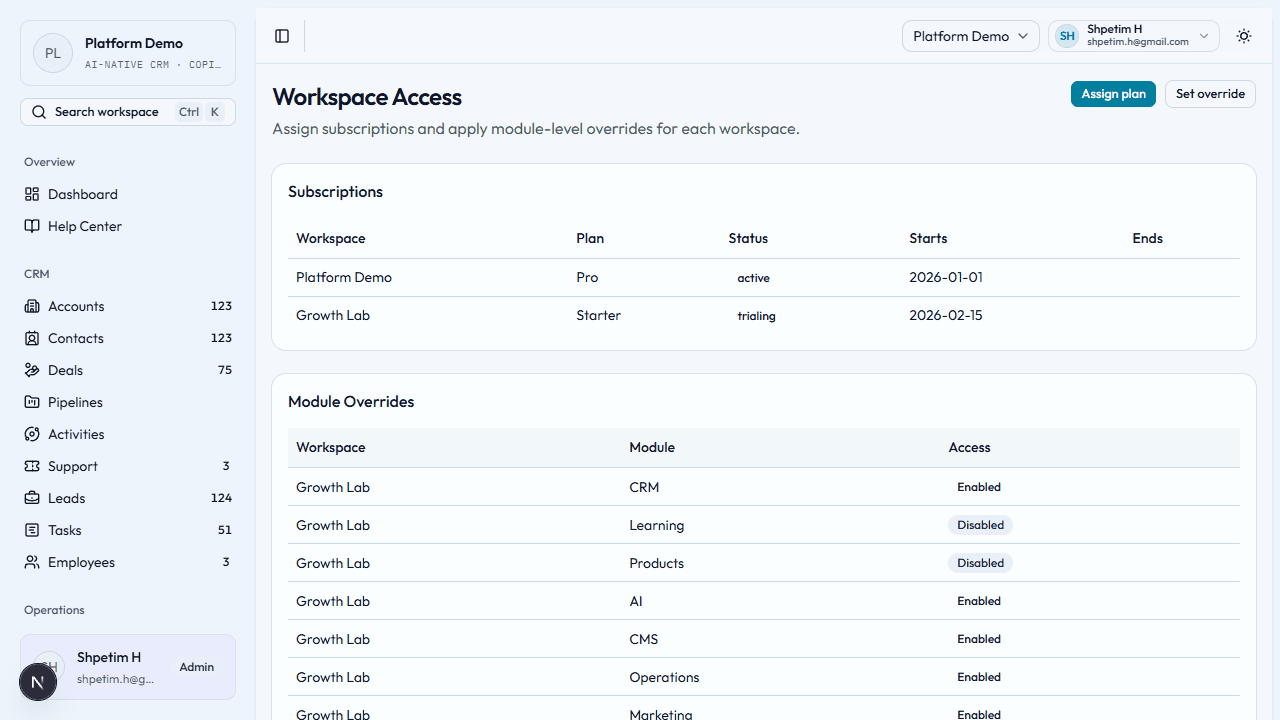
Used to assign subscriptions and module-level overrides per workspace.
- Apply the correct plan so teams see CRM, Marketing, Learning, and other areas they paid for.
- Use overrides only when a specific workspace needs an exception.
Subscription plans
Path: Admin → Subscription Plans (/admin/plans)
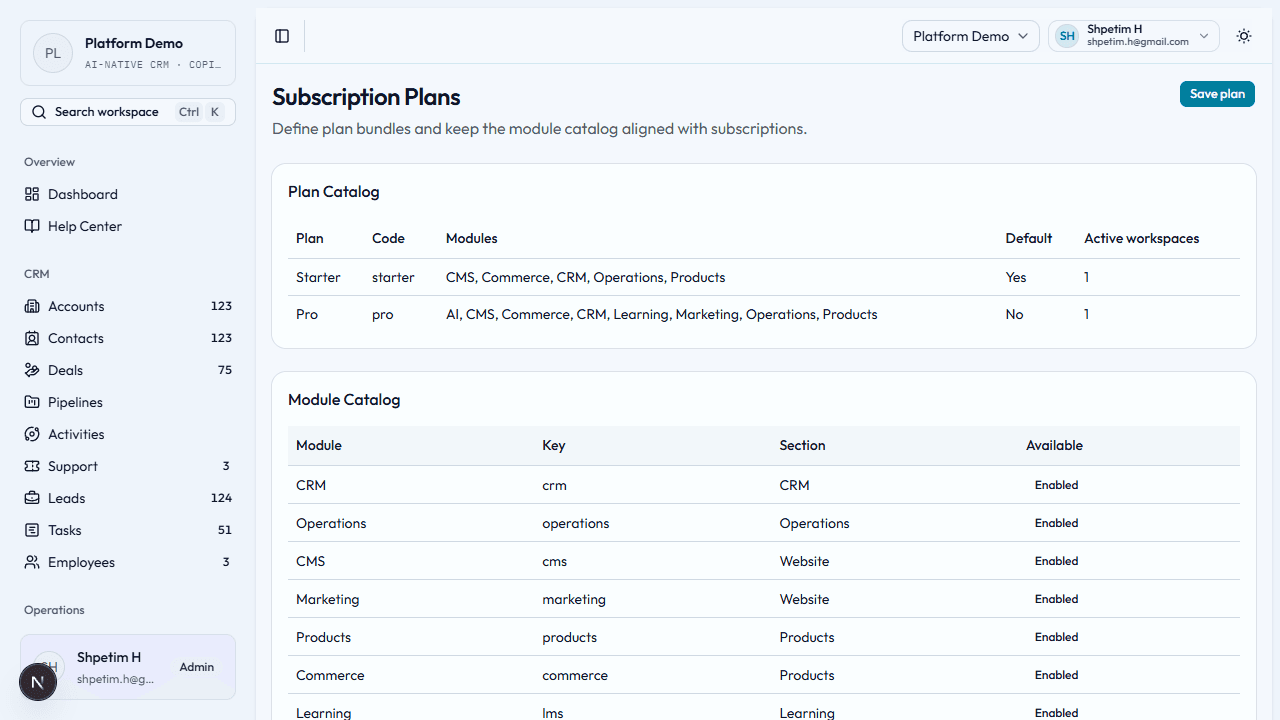
Used to define plan bundles and which modules each plan includes.
- Create or update plans with codes, names, descriptions, default flag, and module entitlements.
- Keep the module catalog aligned with what the product actually ships.
Security notes
- Admin pages require an elevated admin session—credentials should be tightly controlled.
- Changes here affect every user in the affected workspace—coordinate before saving.