Account and access
How sign-in works, what controls which areas you see, and good habits for staying signed in safely.
Who can use the workspace
Only people with an account for your organization’s workspace can open the protected areas (CRM, AI, Marketing, and so on). Public website pages and landing URLs may be visible to visitors without signing in; the dashboard is not.
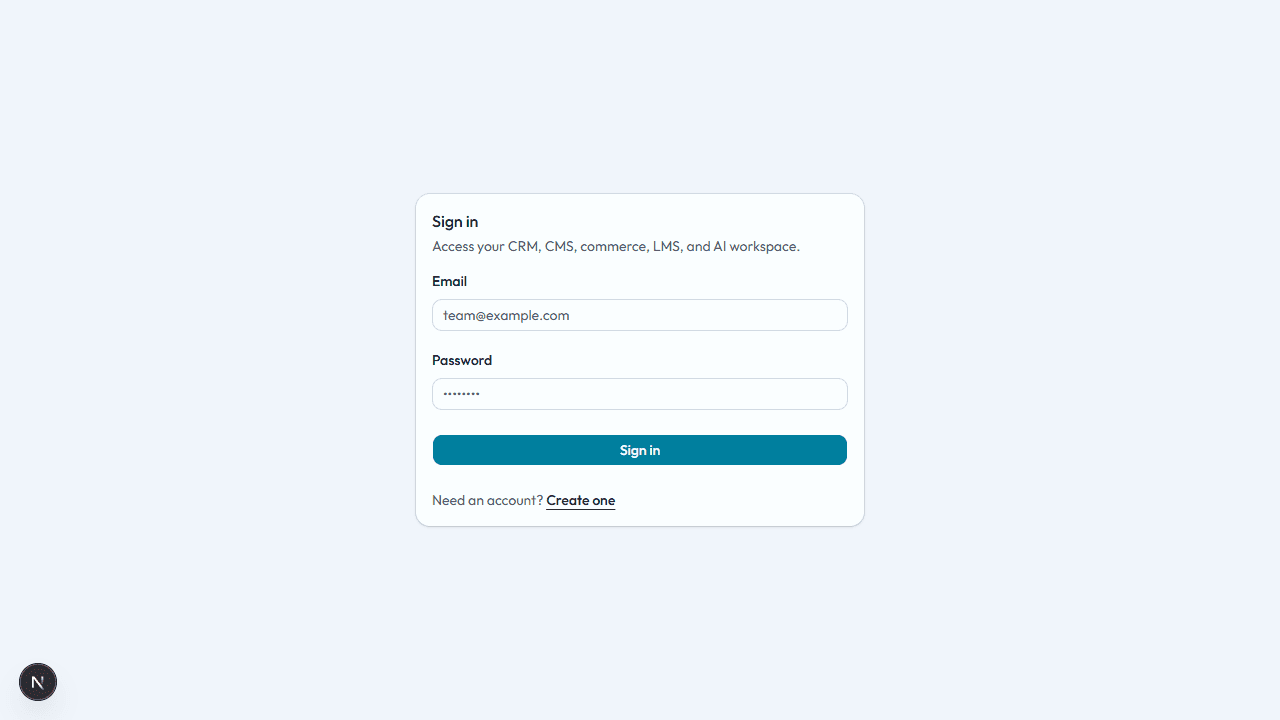
Signing in safely
- Use a strong, unique password if your organization uses email and password.
- Sign out on shared computers when you are done.
- Do not share your login with teammates; ask an admin to add or invite them instead.
Which modules you see
Your workspace may include only some product areas (for example CRM without Learning). Subscription and access settings decide which sidebar items appear. If you expect a section that is missing, ask a workspace or platform administrator—see Admin settings.
Roles and permissions
Access is session-based: if you are signed in, you can use the features your organization exposed. Fine-grained roles (such as “only view deals”) may not be available yet—treat shared data as visible to all signed-in users in your workspace unless your admin says otherwise.
Profile and organization details
Name, email, and organization membership are usually managed by your administrator or your identity provider. If your email or name is wrong, ask an admin to update the account.